


If you run a plumbing, HVAC, roofing, garage door, or other local service business, Google Local Service Ads has probably been one of your steadiest sources of leads. As Local Services Ads moves to Google Ads, that lead flow isn’t going away, but the account behind it is about to look and work differently.
What This Means for Your Business
Your leads keep coming the same way: calls, messages, and bookings, billed the same way as always. The dashboard you or your team is used to checking will disappear, and historical reports won’t transfer, so save anything you need before migration. Budgets and cost targets work a bit differently once you’re in Google Ads, but you’ll get advance notice before your account moves, so there’s time to prepare.
Why This Matters If You Run a Local Service Business
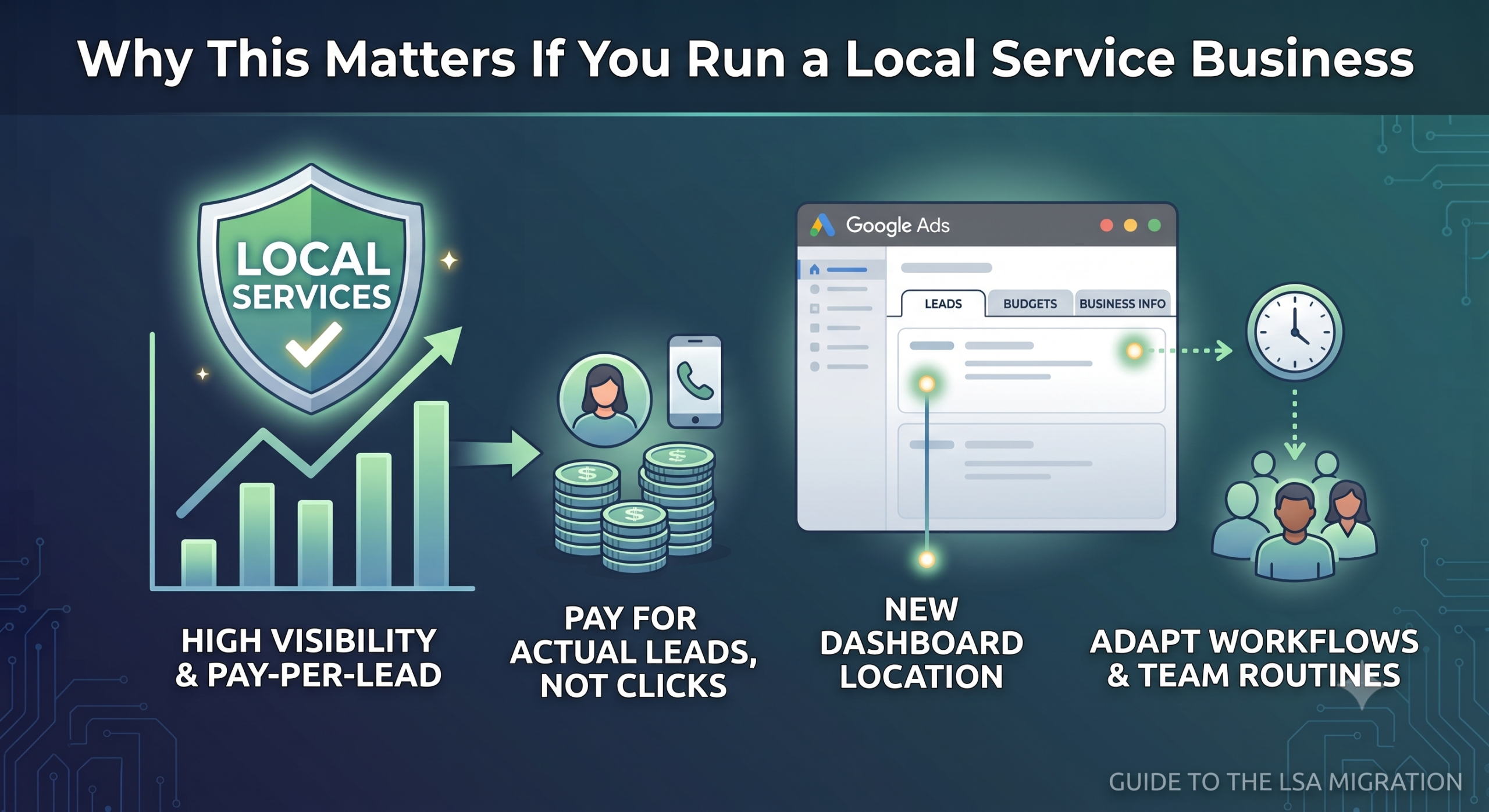
Local Services Ads has been especially valuable for businesses like yours because it puts you at the top of Search and Maps results without needing to manage keywords, write ad copy, or compete purely on click costs. You pay for actual leads, not clicks that might go nowhere.
That core value isn’t changing. What’s changing is where you or whoever manages your account goes to check leads, adjust budgets, and update your business information. If your team has gotten used to a specific routine around the LSA dashboard, that routine is about to shift.
For the full picture of exactly what’s driving this change, read LSA Is Moving Into Google Ads. Here’s What That Actually Means.
What Stays the Same for Your Business
Some important things aren’t changing at all, and it’s worth knowing that upfront so this doesn’t feel bigger than it is:
- You still only pay for valid leads, calls, messages, and bookings, never clicks
- Your ads still appear only on Google Search and Maps
- You don’t need keywords or ad copy the way a Search campaign requires
- Your Google Guarantee badge and existing verification stay intact
What’s Changing That Could Affect Your Leads
A few changes are worth understanding, especially if you offer more than one type of service:
- Budgets shift from a weekly amount to a daily amount, which Google converts automatically
- Cost targets move from being set per service (like separate targets for plumbing and drain cleaning) to one blended target across all your services in a campaign
- Manual bidding is going away, meaning you can no longer set your own maximum price per lead
- BBB callouts are being removed as a profile option
- Annual re-verification of your license and insurance is no longer required
If you offer several distinct services with very different costs per lead, that blended cost target is the change most likely to affect your results; read LSA vs. Traditional Google Ads Campaigns: What Changes When They Share One Dashboard.
Preparing Your Team (or Yourself) for the Switch
Whether you manage your own account or have someone on staff who checks leads daily, a little preparation goes a long way:
|
Action |
Why It Matters |
|
Download your historical performance reports |
These do not transfer, once your account migrates, they’re gone |
|
Note your current weekly budget |
Helps you sanity-check the converted daily budget after migration |
|
Write down your current cost-per-lead targets by service |
Useful for comparing against the new blended target |
|
Prepare 6+ alternative callouts |
BBB callouts are being removed, so line up replacements |
|
Update your Google Business Profile now |
Your business name, address, and hours will sync from here going forward |
If you or whoever manages your account wants a step-by-step look at exactly where everything lives inside Google Ads now, read How to Set Up and Manage Local Services Ads Inside the Google Ads Platform.
Common Concerns from Business Owners
Will My Leads Slow Down During the Switch?
Google says some campaigns may fluctuate for up to two weeks after migration while performance stabilizes. This is expected, not a sign something is broken.
Do I Need to Do Anything Myself?
In most cases, no. Google transfers your settings automatically. But someone on your team should still check the daily budget, cost target, and lead-routing phone number afterward.
What If I Run Multiple Types of Services?
This is where you’re most likely to notice a difference, since your cost targets combine into one number per campaign instead of staying separate by service.
What to Do This Week
If your migration notice hasn’t arrived yet, you still have time to prepare. Start with the highest-impact steps: export your historical reports, note your current budget and cost targets, and make sure your Google Business Profile is accurate and current. Everything else can wait until your notice arrives, but those three items are worth doing now regardless of your migration date.
Google’s Local Services Ads Google Ads migration guide walks through the official timeline in more detail, and Search Engine Journal’s coverage of Google bringing Local Services Ads into Google Ads offers a useful outside perspective on how the rollout is unfolding for early advertisers.
How to Talk to Your Marketing Agency About This Change
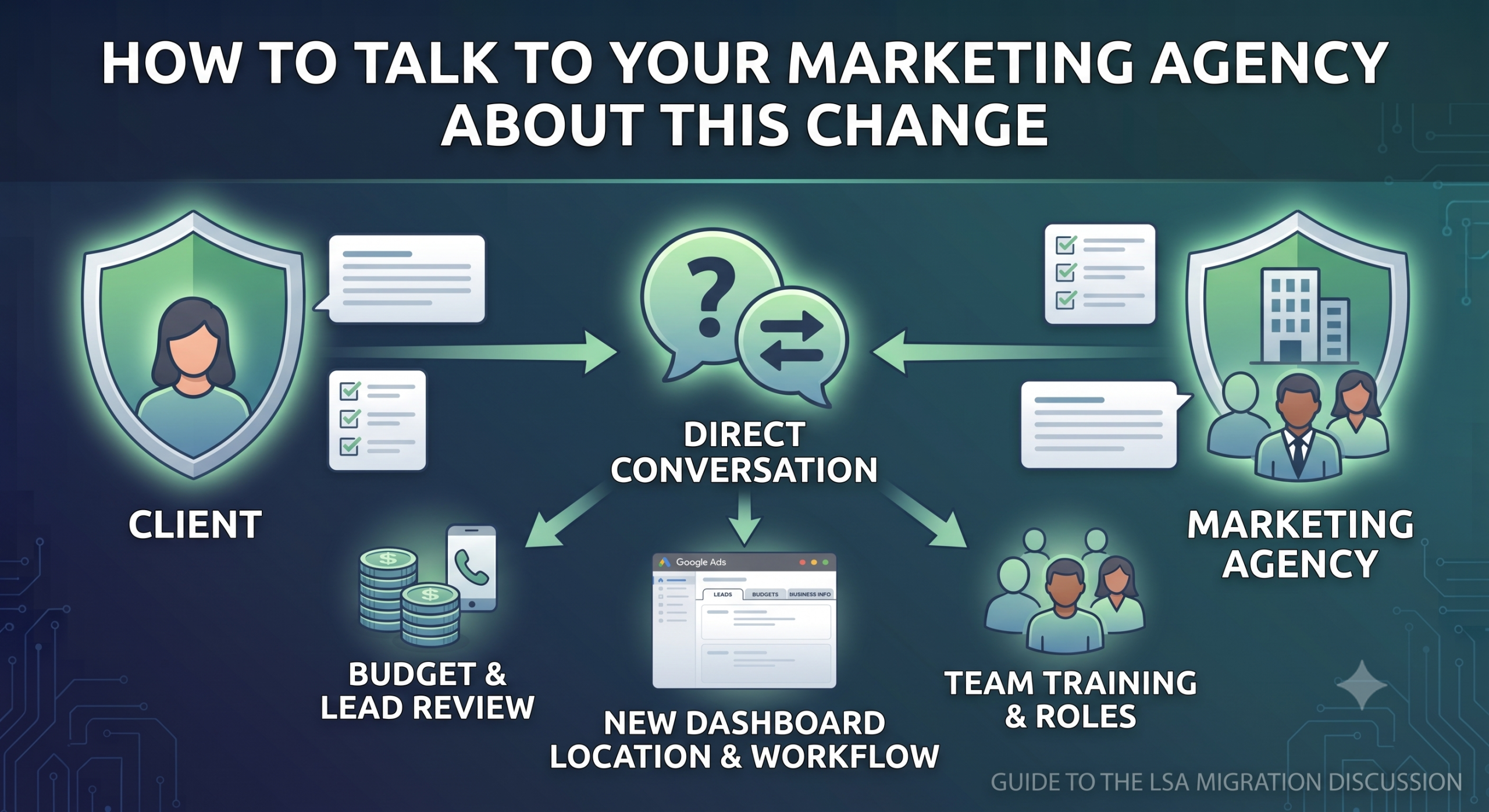
If someone else manages your Local Services campaign, whether that’s an in-house marketing hire or an outside agency, this migration is worth a direct conversation rather than assuming it’s being handled quietly in the background.
Questions Worth Asking Directly
- Has your historical performance data already been exported and saved somewhere you have access to, not just your agency?
- Do they know which migration phase your account falls into, and roughly when to expect it?
- Once your account moves, what’s their plan for reviewing your new daily budget and unified Target CPA, especially if you run more than one type of service?
What a Good Agency Partner Does
- Walks you through what changed after migration, in plain language
- Doesn’t assume everything is fine just because leads kept coming in
- Treats this platform change as a check-in opportunity, not something to manage quietly without your input
What Success Looks Like a Few Months After Migration
It helps to know what “normal” looks like on the other side of this transition, so you’re not second-guessing every small fluctuation along the way.
Week 1-2: Expect Some Fluctuation
Performance may vary slightly as Google’s bidding systems adjust to your new daily budget and unified Target CPA. This is normal, not a warning sign.
Month 1: Performance Should Stabilize
Lead volume and cost per lead should look comparable to what you saw before migration, assuming your market or competition hasn’t shifted in the meantime.
Month 3: Evaluate Your Blended Target CPA
- Check whether your blended Target CPA is working well across all your services
- Watch for one service getting starved of leads while another dominates the budget
- If that’s happening, splitting services into separate campaigns is still an option
Ultimately, the businesses that come through this transition smoothest treat the first few months as a check-in period, not a set-it-and-forget-it moment. A quick monthly look at your leads, budget, and cost per lead goes a long way toward catching issues before they become expensive ones.
Getting Your Business Ready for the Move to Google Ads
For most local service businesses, this change is more of an inconvenience than a threat to your lead flow. The businesses that come through it smoothest are the ones who download their reports early, understand how their cost targets are changing, and don’t wait until the week of migration to figure out where everything moved to.
Door & Gate Domination works exclusively with garage door and gate service businesses, and we’re walking every one of our clients through exactly what this move means for their leads and their budget. Contact us today or give us a call if you’d like help getting ready.