


Google has confirmed it’s folding Local Services Ads (LSA) into the main Google Ads interface, retiring the standalone LSA dashboard advertisers have used for years. This Local Services Ads Google Ads migration starts in August 2026 with a limited group of U.S. advertisers, and it will continue in phases through 2027.
This isn’t a rebrand you can ignore. Bidding options, budget structure, reporting access, and even how you manage leads are all changing. Here’s what’s actually happening, what stays the same, and what you need to do before your account gets moved.
What This Change Means at a Glance
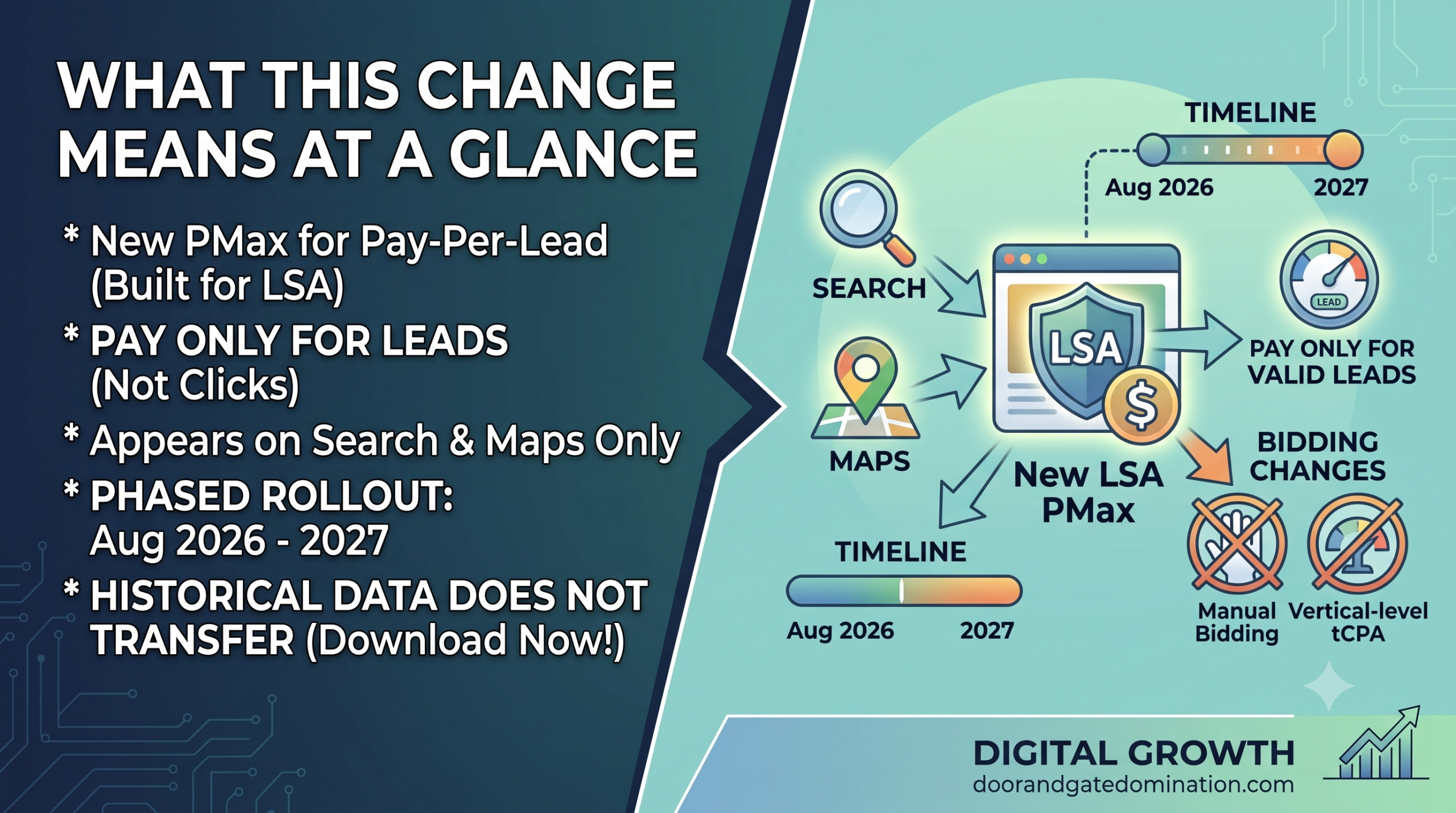
Local Services Ads is becoming a new Performance Max campaign type built specifically for pay-per-lead goals, not a standard Performance Max campaign. Ads still only appear on Search and Maps, and you still pay only for valid leads, never clicks. The rollout runs in three phases from August 2026 through 2027, and historical reports do not transfer, so download them before your account migrates. Manual bidding and vertical-level Target CPA are both being deprecated along the way.
What’s Actually Changing
Google is rebuilding Local Services Ads as a new type of Performance Max campaign, one built specifically for pay-per-lead goals rather than the standard Performance Max experience most advertisers know.
Despite the Performance Max name, this isn’t Google expanding LSA placements across Display, YouTube, or Discover. The new campaigns keep the same footprint LSA has always had.
What Stays the Same
- Ads still appear only on Search and Maps
- Campaigns remain keywordless, built off your service categories and Google Business Profile
- You still pay only for valid leads (calls, messages, bookings), never clicks
- Existing budgets, settings, and creative assets transfer automatically
What’s Moving
- Campaign management, leads, and calls move into Google Ads
- The separate LSA dashboard disappears entirely once your account migrates
- Business details (name, address, standard hours) now sync automatically from your Google Business Profile
The Full Before/After Comparison
|
Feature |
Before (LSA Dashboard) |
After (Google Ads) |
|
Budget cadence |
Average weekly budget |
Average daily budget |
|
Manual bidding |
Available, set your own max cost per lead |
Deprecated, no longer supported |
|
Target CPA |
Set per service category/vertical |
One unified campaign-level Target CPA |
|
Business info updates |
Managed separately in LSA and GBP |
Auto-synced from Google Business Profile |
|
Lead management |
LSA inbox |
Lead Manager inside Google Ads (Goals > Conversions > Leads) |
|
BBB callouts |
Supported as a “Business Bio” |
Deprecated, Google recommends 6+ alternative callouts |
|
Phone number edits |
Required a call to LSA support |
Editable directly, in real time |
|
License/insurance verification |
Required annual re-verification |
Initial verification only, no more annual re-verification |
|
Historical reports |
Available anytime in the LSA dashboard |
Do not transfer, dashboard access ends after migration |
The Target CPA Change Explained
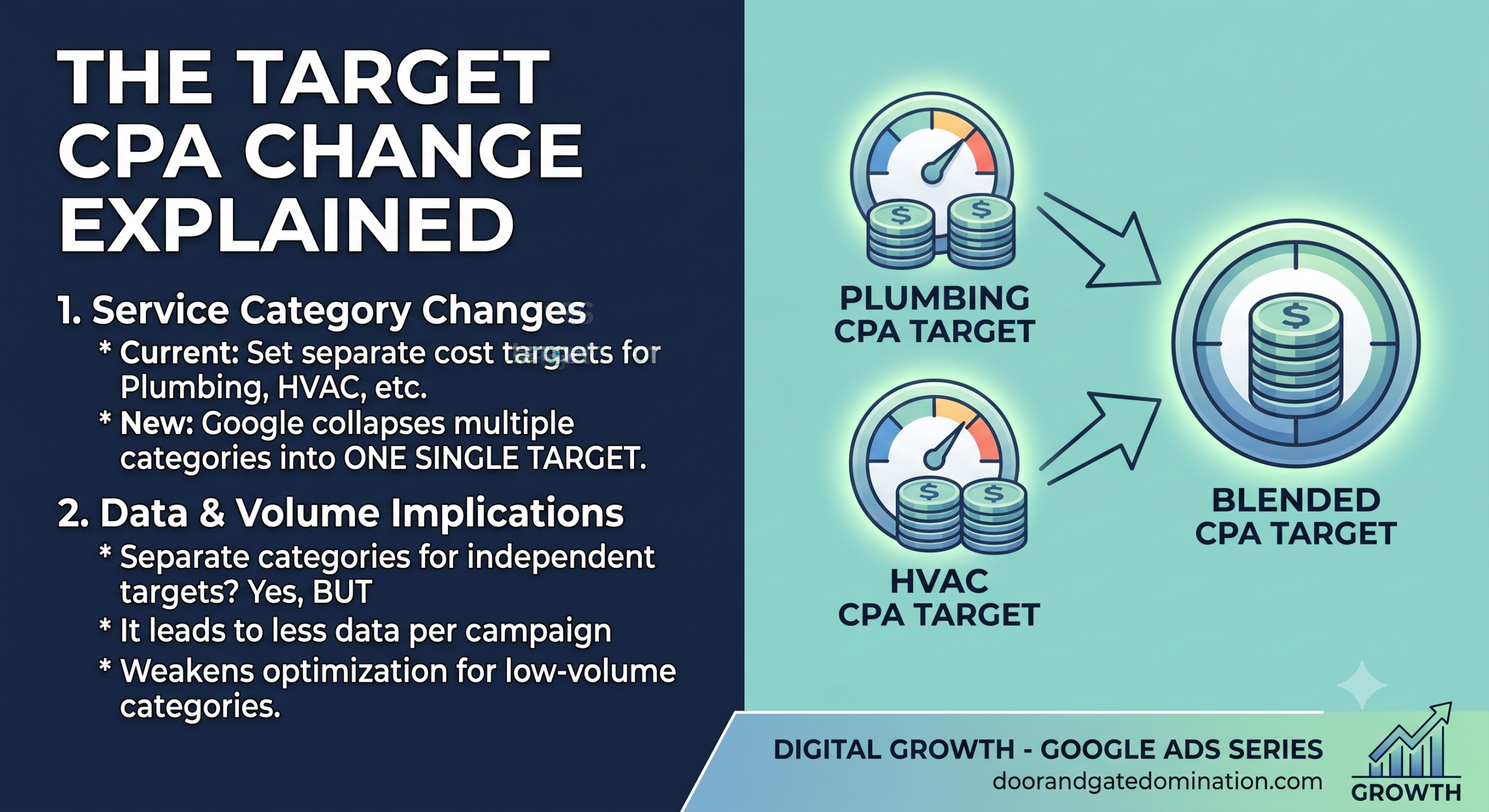
The Target CPA change is the one most likely to catch advertisers off guard. If you run several service categories in one account, say, plumbing and HVAC, you’re currently able to set different cost targets for each. After migration, Google collapses that into a single campaign-level target covering every category.
If those services have very different lead costs or close rates, a blended target could push your bidding in the wrong direction for one category while helping the other. You can split services into separate campaigns to keep independent targets, but that comes at a cost: less bidding data per campaign, which can weaken Google’s ability to optimize for lower-volume categories. Before splitting anything, compare each category’s lead volume, cost per lead, close rate, and customer value to see whether a combined or separate setup makes more sense for your account.
For a full comparison of how bidding, budgeting, and reporting differ between Local Services and traditional campaigns, read LSA vs. Traditional Google Ads Campaigns: What Changes When They Share One Dashboard.
Migration Timeline: Who Moves When
The Three Rollout Phases
Google is rolling this out in three phases rather than flipping the switch for everyone at once.
|
Phase |
Timing |
Who’s Included |
|
Phase 1 |
August 2026 |
Select U.S. home and storefront advertisers: plumbing, HVAC, electrical, appliance repair, house cleaning, lawn care, roofing, pest control, moving, plus pet care, wellness, and education |
|
Phase 2 |
Late 2026 |
Broader U.S. advertiser groups, including service-area businesses without a physical storefront, and accounts using custom bidding or booking configurations |
|
Phase 3 |
2027 |
Non-U.S. accounts and any remaining business categories not covered in the 2026 phases |
How You’ll Be Notified
You won’t be caught off guard by the switch. Google is sending advance notice before each account moves:
|
Notification |
Timing |
|
First email + in-dashboard banner |
14 days before migration |
|
Second reminder email |
7 days before migration |
|
Confirmation email |
Sent once migration is complete |
Google says some ads may start running in the new format almost immediately after migration, but advises budgeting up to two weeks for performance to fully stabilize.
For a practical walkthrough of exactly where everything lives once your account moves, read How to Set Up and Manage Local Services Ads Inside the Google Ads Platform.
What to Do Before Your Account Migrates
Since historical reports don’t carry over, and the old dashboard disappears the moment migration completes, there’s a short window where prep work actually matters.
|
Action |
Why It Matters |
|
Download historical performance reports |
Reports do not transfer; once the dashboard is gone, that data is gone with it |
|
Save any reports needed for client or YoY reporting |
Agencies managing multiple accounts should start this before the first notice lands |
|
Review your new daily budget |
Your weekly budget converts automatically; confirm the math lines up with your intent |
|
Check your campaign-level Target CPA |
If you ran multiple verticals with different targets, this now merges into one number |
|
Confirm service categories and locations |
Should transfer automatically, but verify nothing was dropped |
|
Check your ad schedule |
Same, verify it matches pre-migration settings |
|
Verify your lead-routing phone number |
Same |
|
Review photos and callouts |
BBB callouts are going away; line up replacement callouts in advance |
|
Watch for a verification pause |
Significant name or address changes synced from Google Business Profile can trigger a 24–48 hour review and temporarily pause your campaign |
For the audience-specific version of this checklist, written for local service business owners rather than agencies, read What Local Service Businesses Need to Know Before Google Ads Absorbs LSA.
What We Don’t Know Yet
Google hasn’t clarified everything. It’s still unclear whether Target Cost Per Lead (tCPL) will survive as a bidding option or whether Maximum Conversions will become the only strategy available once manual bidding is gone, a meaningful concern for advertisers in competitive verticals who rely on bid control. It’s also unclear exactly how a single blended Target CPA will perform for accounts running services with very different lead costs; that will likely become clearer only once the first migrated accounts have run for a few weeks.
Google says it plans to monitor the initial group of advertisers before expanding the rollout, so early feedback from Phase 1 accounts will probably shape how Phase 2 and 3 are handled. For the official rundown straight from the source, Google’s Local Services Ads Google Ads migration guide is the most authoritative reference as the rollout continues, and Search Engine Journal’s coverage of Google bringing Local Services Ads into Google Ads offers additional context on how the migration is playing out for early advertisers.
Where the LSA Google Ads Migration Leaves You
This isn’t Google discontinuing Local Services Ads. The pay-per-lead model, Search and Maps placement, and keywordless setup all stay intact. What’s changing is where you manage it and how much control you have over budgets and bidding once it’s there. The businesses that come out ahead will be the ones who download their reports, review their transferred settings, and plan for a unified Target CPA before the migration notice lands, not after.
Door & Gate Domination is already preparing our clients’ Local Services Ads accounts for this shift, so their lead flow doesn’t skip a beat during the transition. Contact us today or give us a call to make sure your account is ready.