


Quick answer: A garage door company can track its AI Overview visibility by using Search Console’s generative AI performance report, which Google added in June 2026 to show how pages perform in AI features like AI Overviews. Pair that report with manual spot checks of your target questions in your service area, and connect the results to call tracking and Google Analytics so you can see which cited pages actually produce booked jobs. Review everything once a month and improve the pages that earn impressions but few calls.
Key takeaways
- Search Console is the starting point. Its generative AI performance report is free and shows how your pages perform in Google’s AI features.
- Visibility has three layers: being cited, being seen (impressions), and being clicked. Track all three.
- Manual spot checks fill the gaps. Search your target questions from your service area to see who’s cited and how the answer reads.
- Results change often. AI Overviews vary by location, wording, and time, so one check isn’t a trend.
- Calls are the real metric. Tie visibility to call tracking and form fills, or you’re only measuring vanity numbers.
- A simple monthly review beats complex dashboards. Consistent tracking reveals what’s working and what to fix next.
1. Understand what “AI Overview visibility” means
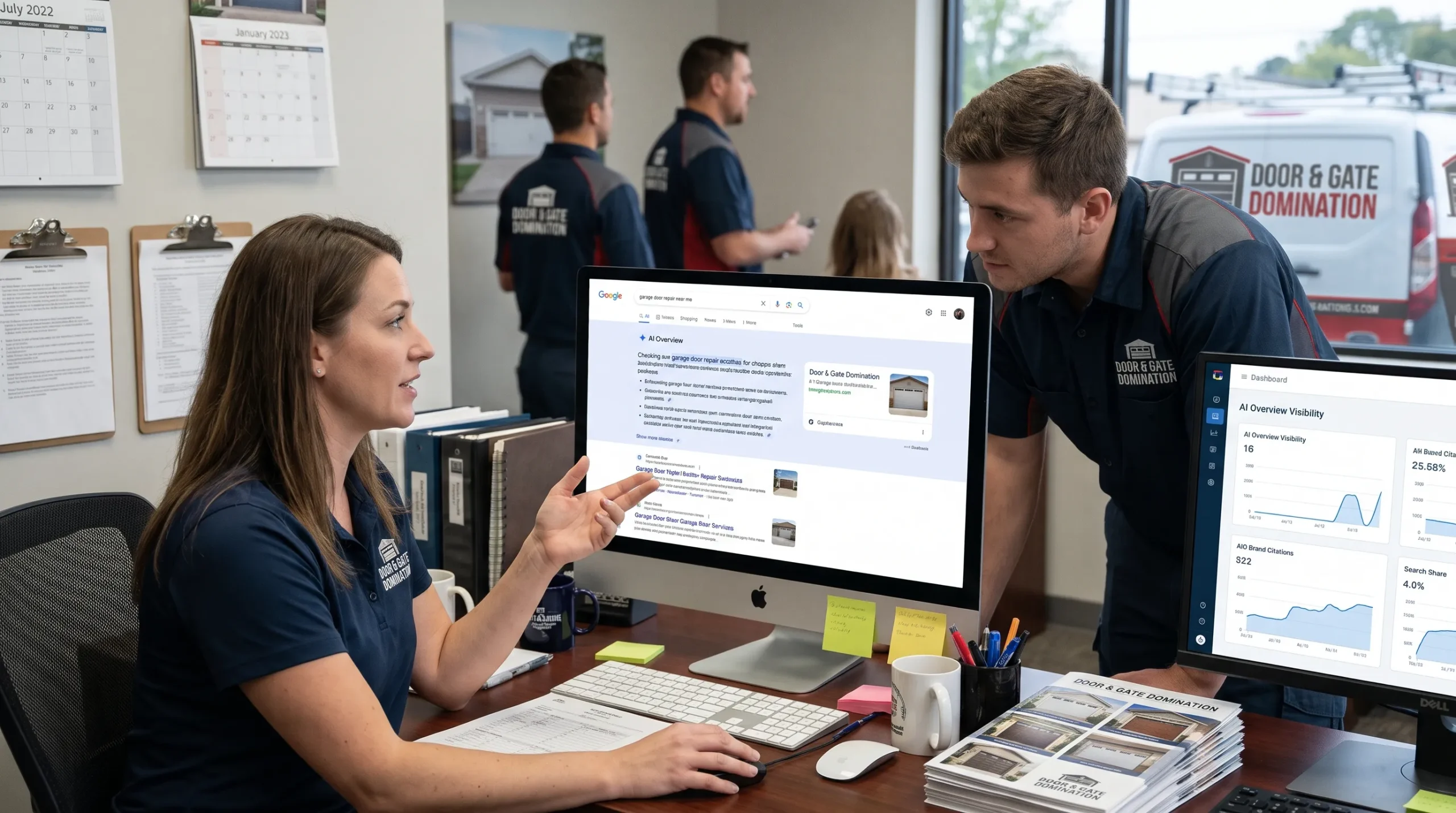
The answer: AI Overview visibility means your page appears as a cited source in Google’s AI-generated summary, gets seen by searchers, and earns clicks. Each layer tells you something different.
What AI Overview visibility means for a garage door company
The problem: You hear you’re “showing up in AI,” but nobody can tell you what that means for your business.
Why it happens: Visibility gets reported as one vague number instead of the specific layers that matter.
How to fix it:
- Track citations: which of your pages appear as linked sources.
- Track impressions: how often those appearances are seen.
- Track clicks and calls: how many visitors come through and contact you.
Bring in a specialist if: your current reports don’t separate these layers.
Tracking is the final stage of the process we outline in How Garage Door Companies Can Show Up in Google AI Overviews.
2. Know why AI Overviews are harder to track than rankings
The answer: AI Overviews don’t show for every search, can cite different pages as the wording or location changes, and update as Google recrawls the web. That makes single snapshots unreliable.
Why AI Overview tracking results change from day to day
The problem: You’re cited on Monday and gone on Thursday, and you don’t know whether anything is actually wrong.
Why it happens: Google builds each summary from pages it finds through several related searches, so small changes in the question or in competitors’ pages can change the sources.
How to fix it:
- Track trends over weeks and months, not single days.
- Check the same questions the same way each time.
- Focus on the overall share of target questions where you’re cited.
Bring in a specialist if: fluctuating results are causing panic decisions about your content.
The mechanics behind these shifts are covered in How Does Google AI Overviews Choose Which Sources to Use?
3. Build a target question list to track
The answer: Before measuring anything, list the 20 to 50 homeowner questions you want to be cited for. Tracking without a target list just produces noise.
How to choose which garage door questions to track
The problem: You’re tracking random keywords that don’t match how homeowners actually search.
Why it happens: Keyword lists are often built around services, not questions.
How to fix it:
- Pull questions from your calls, emails, and technician notes.
- Group them by type: troubleshooting, safety, cost, repair vs. replace, and so on.
- Match each question to the page on your site meant to answer it.
- Flag questions with no matching page as content gaps.
Bring in a specialist if: you need search data to prioritize which questions matter most in your market.
For the full list of question types worth tracking, see What Types of Garage Door Questions Can Appear in AI Overviews?
4. Use Search Console’s generative AI performance report
The answer: Search Console’s generative AI performance report shows how your pages perform in Google’s AI features, broken down by page, country, device, and date. It’s the most reliable free data source available.
How to use the Search Console generative AI report for AI Overviews
The problem: You don’t know which of your pages Google is using in AI features.
Why it happens: Before June 2026, AI feature performance was blended into overall Search Console totals with no separate view.
How to fix it:
- Verify your site in Google Search Console if you haven’t already.
- Open the generative AI performance report.
- Sort pages by impressions to see which ones appear most.
- Filter to the United States and compare mobile vs. desktop.
- Export the data monthly so you can compare trends over time.
Bring in a specialist if: you have multiple locations or sites and need consolidated reporting.
5. Compare it with your standard Performance report
The answer: Your regular Performance report shows overall search clicks and impressions, which gives context for your AI numbers. The two together show whether AI visibility is adding to or shifting your traffic.
How to read AI Overview data alongside regular search data
The problem: AI visibility is rising, but total traffic is flat, and you can’t tell why.
Why it happens: Some searchers get their answer from the summary and never click, so impressions can grow faster than clicks.
How to fix it:
- Compare the same pages in both reports each month.
- Watch the gap between impressions and clicks.
- Note which queries in the regular report are question-style searches.
Bring in a specialist if: you need help interpreting mixed signals between reports. Our garage door SEO timeline explains what normal growth looks like over time.
6. Run manual spot checks in your service area
The answer: Search your top target questions yourself, from your service area, to see which sources are cited and how the summary reads. Search Console tells you what happened; spot checks show you what homeowners actually see.
How to manually check if your garage door company appears in AI Overviews
The problem: Search Console shows impressions, but you don’t know which competitors are cited next to you or what the summary says.
Why it happens: Reports don’t show the full AI Overview or the other sources in it.
How to fix it:
- Use a private browser window, logged out, from a location in your service area.
- Search your top 10 to 20 target questions monthly.
- Record whether an AI Overview appears, which sites are cited, and whether you’re one of them.
- Screenshot the results to compare changes over time.
AI Overviews have changed a lot since launch, from their origins as the Search Generative Experience to wider rollouts and AI Mode, as the history of Google AI Overviews shows. Regular spot checks keep you current as the feature keeps changing.
Bring in a specialist if: you serve many cities and can’t check each one manually.
7. Use third-party tracking tools with caution
The answer: Some SEO tools now report AI Overview appearances for tracked keywords, which can save time. Treat their numbers as estimates and confirm them against Search Console.
How to evaluate AI Overview tracking tools for garage door companies
The problem: Different tools report different AI visibility scores for the same site.
Why it happens: Each tool samples searches differently, from different locations, at different times.
How to fix it:
- Use tools for trend direction, not exact counts.
- Set tracking locations to your actual service area.
- Cross-check any big change against Search Console before acting on it.
- Be wary of tools that sell a proprietary “AI score” with no explanation.
Bring in a specialist if: you’re paying for several tools and none of them agree.
8. Troubleshoot pages that drop out
The answer: When a page stops appearing, check eligibility first, then compare your answer with the pages now being cited. Most drops come from a technical block or a stronger competing answer.
How to fix a garage door page that stopped appearing in AI Overviews
The problem: A page that was cited last month has disappeared from AI Overviews.
Why it happens: A recent site change may have blocked it, or a competitor published a clearer answer.
How to fix it:
- Confirm the page is still indexed with the URL Inspection tool.
- Check that no noindex or nosnippet tag was added in a site update.
- Make sure your site is still set to “include” under the Search generative AI control in Search Console. Sites that opt out get no traffic or impressions from these features.
- Compare your answer with the pages now cited and close the gap.
Google’s AI features guidance for site owners confirms there are no special tricks to restore visibility, so the fix is almost always a clearer, more trustworthy answer. Our answer engine optimization team handles these diagnoses for contractors.
Bring in a specialist if: several pages dropped at once, which often points to a site-wide technical issue.
9. Improve pages with high impressions and low clicks
The answer: Pages that appear often but earn few clicks need a stronger reason to visit, such as specific pricing, local details, or a clear offer. Impressions alone don’t pay the bills.
How to increase clicks from AI Overview impressions
The problem: Your page is cited often, but hardly anyone clicks through.
Why it happens: When the summary answers the basic question, fewer people click. A 2025 Pew analysis found clicks on traditional results dropped noticeably when an AI summary appeared, as Search Engine Land’s coverage of the Pew AI Overviews study explains.
How to fix it:
- Offer what the summary can’t: local price ranges, real job photos, and same-day availability.
- Make your title and opening sentence promise specific, practical help.
- Add trust signals near the top, like review counts and warranties. Our reputation management service helps build these.
Bring in a specialist if: high-visibility pages consistently underperform on clicks.
10. Connect AI visibility to calls and booked jobs
The answer: Use call tracking and Google Analytics conversion tracking to see which cited pages produce calls, forms, and booked jobs. That’s the only way to know what AI visibility is worth.
How to track calls from AI Overview traffic for a garage door company
The problem: You know which pages are cited, but not whether they make the phone ring.
Why it happens: Google Analytics generally groups AI Overview visits with other Google organic traffic, and phone calls aren’t tracked by default.
How to fix it:
- Set up conversion tracking for calls, form fills, and booking requests in Google Analytics.
- Use call tracking with dynamic number insertion so each call ties back to a page and source.
- Compare leads from cited pages against your other channels, including Google Local Service Ads.
- Use cost per lead to guide your budget, following our guide on how much a garage door company should spend on marketing.
Bring in a specialist if: your call tracking and analytics aren’t connected.
11. Build a simple monthly AI visibility report
The answer: A one-page monthly report covering citations, impressions, clicks, and calls is enough for most garage door companies. Consistency matters more than complexity.
What to include in a monthly AI Overview report
The problem: Tracking data is scattered across tools and nobody reviews it.
Why it happens: There’s no set routine or owner for the report.
How to fix it:
- List your target questions and whether you were cited this month.
- Add impressions and clicks from Search Console’s generative AI report.
- Add calls and forms from cited pages.
- Note brand signals that support trust, like new reviews and social activity. Our social media services keep that side consistent.
- End with the top three pages to improve next month.
Bring in a specialist if: you want reporting handled for you. Our 2026 garage door marketing plan shows where AI visibility fits in a full plan, and our local market playbook shows how it works alongside maps and ads.
AI Overview tracking methods compared
Method | What it shows | Cost | Limitations |
Search Console generative AI report | Page performance in AI features by page, country, device, and date | Free | Doesn’t show the full summary or competing sources |
Search Console Performance report | Overall search clicks, impressions, and queries | Free | AI and non-AI traffic are mixed together |
Manual spot checks | Which sources are cited and what the summary says | Free (your time) | Time-consuming, results vary by location and day |
Third-party SEO tools | AI Overview appearances for tracked keywords | Paid | Estimates based on sampling, tools often disagree |
Google Analytics | Visits and conversions from organic search | Free | AI Overview visits are grouped with other organic traffic |
Call tracking | Which pages and sources produce phone calls | Paid | Needs setup and dynamic number insertion |
Conclusion

Tracking AI Overview visibility comes down to three stages: learn what visibility means and why it shifts, get cited more often by measuring and improving the right pages, and convert that visibility by tying it to real calls and booked jobs. Garage door companies that review the numbers every month know exactly where to invest next.
If you’d rather have a team that works only with garage door, gate, and fence contractors handle your tracking and reporting, Door & Gate Domination can set up your AI visibility reporting, connect it to call tracking, and show you which pages are earning jobs.
Book your free strategy session today and see exactly where your company stands in AI Overviews.